Wi-Fi extender: rent from your provider or buy?
Wi-Fi extender, mesh or powerline: the booster your Belgian provider rents costs €0 to €3/month. The break-even point with buying, calculated, and when it falls short.
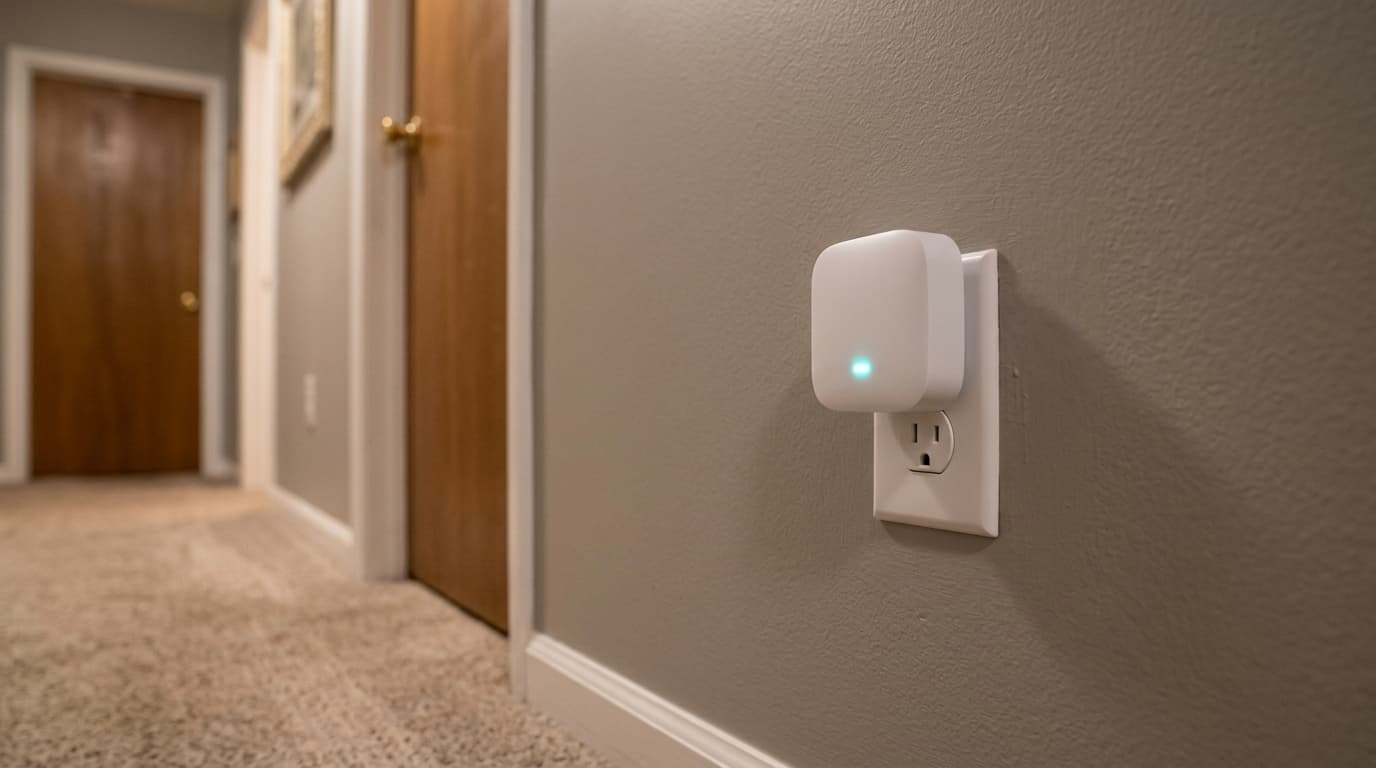
Start with your provider's booster. In Belgium it rents for €0 to €3 a month depending on the provider, and over two years that rental costs less than a single mesh unit bought in a shop. Retail hardware only becomes worthwhile beyond that point, or when three floors have to be covered at once.
A Wi-Fi extender, also sold as a Wi-Fi booster, is a box that picks up your router's signal and rebroadcasts it further away. It adds no speed to your subscription: it redistributes whatever reaches it.
Is your provider's booster enough?
In a flat or a two-storey house, usually yes. Every Belgian provider rents a unit designed for its own modem, and that is the first thing to try before opening a retail site.
| Provider (network it runs on) | Hardware offered | Price checked 28/08/2026 | Cost over 24 months | Limit |
|---|---|---|---|---|
| Proximus (own copper, fibre and mobile networks) | Wi-Fi Booster, plugs into a socket | €2.49/month, included in some Flex bundles | €59.76, or €0 when included | One unit at a time on most plans |
| Telenet (own cable network, Flanders and Brussels) | Powerline or access point | First booster free, €3.00/month per further unit | €0 for the first, €72.00 for the second | Three units maximum, one per floor advised |
| Orange (own mobile network, Walloon cable formerly VOO) | Extender offered with the internet plan | Varies with the plan signed | Ask before signing | Depends on the modem installed at your address |
Amounts checked on 28 August 2026 with the providers and the CallMePower comparison site. They change with the plans: the exact line is on your bundle invoice.
At Telenet the first unit costs nothing. That is an argument nobody puts forward, and it makes buying a mesh system hard to justify for an average home.
Renting or buying: the twenty-four month maths
Here is the figure buying guides leave out, because they are written for markets where the provider does not rent this hardware.
The Proximus Wi-Fi Booster at €2.49/month comes to €59.76 over two years. A single TP-Link Deco X50 unit, Wi-Fi 6 dual-band AX3000 with three Gigabit ports, was listed at €80 on Coolblue.be on 28 August 2026. Renting wins, and it wins by a wide margin if your Flex bundle already includes the booster.
Thirty-two months. That is how long it takes for €2.49 a month to catch up with the €80 of a unit bought outright. In other words, unless you are sure you will stay almost three years with the same provider, renting remains the cheaper option, which is the exact opposite of what nearly every networking hardware roundup recommends.
At Telenet the reasoning stops even earlier: since the first unit is free, buying only comes up from the second one, where €3 a month takes twenty-seven months to reach €80.
One nuance does change the maths, and it weighs heavily on a household that moves. The rented booster belongs to the provider, it goes back at the moment you cancel just as the set-top box does, and an unreturned unit turns up on the closing statement; the mesh you bought, on the other hand, plugs in behind any router in access point mode and is still useful two house moves later.
Extender, mesh or powerline: which one for which home?
Three families of devices, three different problems. The table below answers by situation rather than by price bracket.
| Your situation | The right answer | Indicative cost on 28/08/2026 |
|---|---|---|
| Flat, one poorly covered room | Provider's booster | €0 to €2.49/month |
| Terraced house, two floors, light partitions | Provider's booster, then a retail extender | €0 to €3/month, or from €30 to buy |
| House over three floors, moving around a lot | Mesh system, two or three units | €80 for an entry-level unit, €130 in Wi-Fi 6E |
| Load-bearing wall, concrete floor, isolated cellar or attic | Powerline kit through the electrical wiring | Budget for a pair of adapters |
| Terrace or far end of the garden | Extender built for outdoor use, or powerline to the garage | Varies with the rain protection rating |
| TV set-top box in another room | Network cable, or powerline if cabling is impossible | The cheapest of the three |
Purchase prices checked on 28 August 2026 at Coolblue.be, except the entry threshold for a simple extender, taken from CallMePower.
A 4K stream crossing a saturated extender always freezes at the worst moment, and a cable run along a skirting board beats any unit. The rest of that subject is in our guide to TV boxes and set-top boxes.
Why does an extender eat into your speed?
It receives, then it rebroadcasts, on the same radio. The signal therefore travels twice, and what you get at the far end is mechanically lower than what came in.
Coolblue states it on its own category page, which is rare enough for a retailer: an extender slows the connection down, and devices do not hand over automatically to the strongest unit. Your phone therefore stays hooked to the extender when you walk back into the living room, two metres from the router.
Five problems no unit will fix:
- An already slow subscription. An extender does not manufacture megabits. It shares out the shortage differently.
- A badly placed router. A modem wedged behind a TV cabinet loses more than a unit recovers.
- Manual hand-off. On a classic extender, reconnecting to the right network is up to you.
- An ageing device. A 2016 Wi-Fi card throttles the link whatever hardware sits opposite.
- Evening congestion. On shared coaxial cable, the slowdown comes from the street, not from your hallway.
Measure over a cable before buying: our piece on real versus advertised speed explains why a Wi-Fi test proves nothing.
Can a Wi-Fi booster improve mobile reception?
No. And the confusion is expensive, because both devices carry the same word in shops.
To make calls from a room with no reception, the clean route is your provider's Wi-Fi calling, or a femtocell supplied by them. BIPT documents both options on its page about indoor mobile coverage, and neither costs anything in hardware.
What if you had nothing to buy?
That happens more often than you would think, and no retailer's page will tell you.
Move the router first. Out of a closed cabinet, raised half a metre, away from the microwave and the hallway mirror, it gains more than a hastily bought extender. Then push fixed devices onto the 5 GHz band and leave connected objects on 2.4 GHz. Plug whatever never moves, the console and the set-top box, into a network cable rather than the airwaves. Finally, check with your provider whether the booster is not already part of your plan, since several Proximus Flex bundles include it at no extra cost and nothing on the invoice spells that out.
Those four moves cost nothing.
To check what your plan already includes, our method for reading a Belgian telecom bill breaks down the hardware rental lines. And if the real question is the subscription itself, our bundle ranking shows the state of the Belgian market.
Sources: BIPT, the Belgian telecom regulator (mobile signal repeaters, indoor mobile coverage), CallMePower for the rental prices recorded at Proximus and Telenet, and Coolblue.be for public prices and specifications observed on 28 August 2026.
Frequently asked questions
Maxime suit le marché télécom belge depuis dix ans. Il épluche les grilles tarifaires de Proximus, Orange, Telenet, VOO, BASE et des MVNO pour traduire le jargon (VDSL, câble, Easy Switch, 4play) en conseils utilisables.