Replacing your ISP router with your own: allowed in Belgium?
Yes, the BIPT has allowed your own router since 1 November 2024. On a bundle with TV and landline, though, you keep the box in bridge mode, behind it.
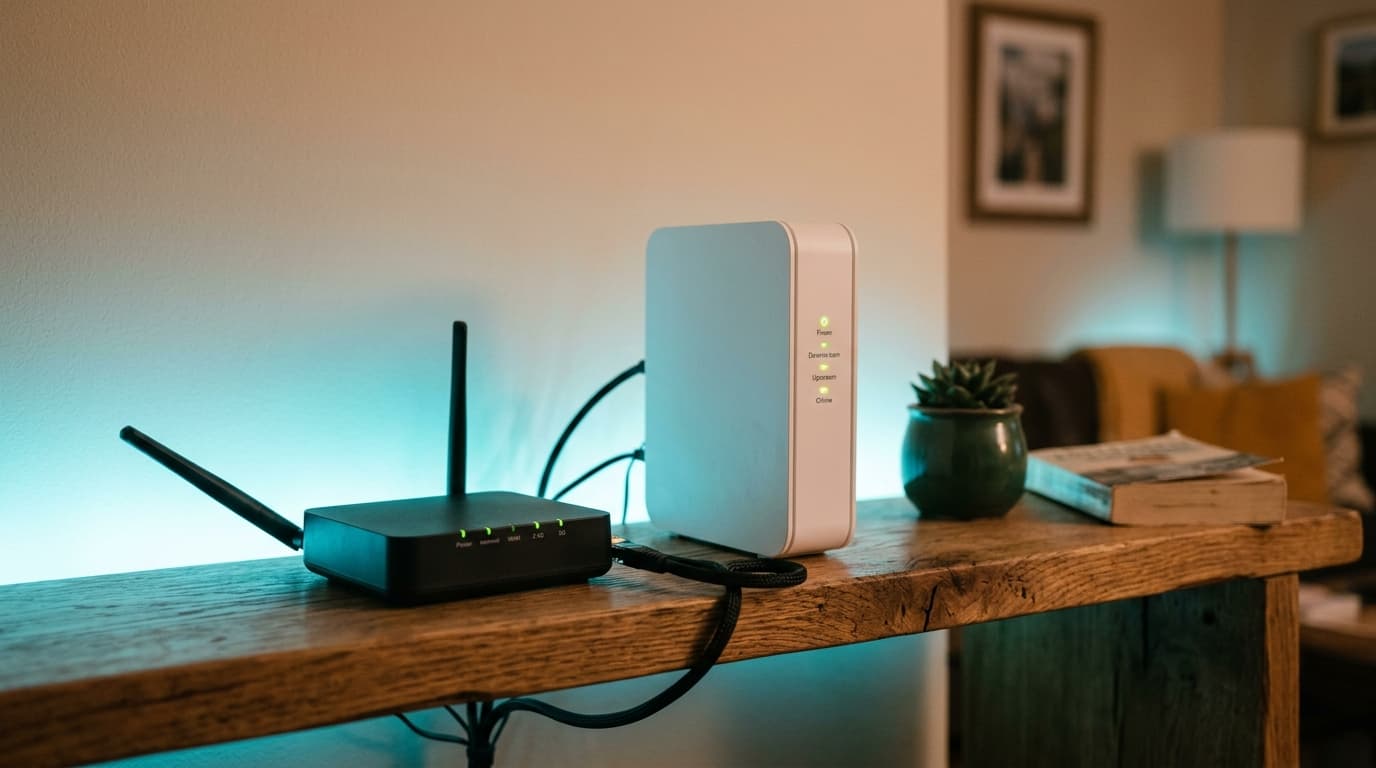
Yes. Since 1 November 2024, the BIPT (Belgium's telecoms regulator, IBPT in French) has allowed you to connect your own router, and even your own modem, to the line. In a household with TV and a landline in its bundle, though, the right move is rarely to unplug the box: you keep it, in bridge mode, and put the router behind it.
A modem translates the line signal (copper, coaxial cable or fibre) into data. A router distributes that data between your devices, over cable and Wi-Fi. Your operator's box does both in one unit, and it also feeds the set-top box and the phone.
Can a router replace an ISP box in Belgium?
Legally, yes. In a decision dated 26 September 2023, the BIPT set the network termination point at the wall socket, for fibre, copper and coaxial cable. Everything plugged in after it, modem and router included, becomes terminal equipment the subscriber chooses freely.
Operators had six months to publish the technical characteristics of their sockets and of accepted modems, then one year to adapt their systems. Hence the date of 1 November 2024, reported by Belga in La Libre on 11 October 2023. Belgium thereby joined some ten European countries, including Germany, Italy and the Netherlands, and applied a principle already laid down in EU Regulation 2015/2120 on open internet access.
The decision leaves three things out. The TV set-top box, first, because the regulator considers an alternative decoder unlikely to emerge on such a small market. Classic telephony, second. Business services with guaranteed quality, third.
For a bundle household the consequence is simple and a little frustrating: the internet is freed, the living room is not.
Modem or router: which box did your operator lend you?
It depends on the line. On Proximus fibre there are two: the small optical unit (the ONT) is the modem, the Internet Box is the router. On Proximus VDSL, Telenet cable and VOO cable, a single unit does both. That is the one you switch to bridge mode.
Proximus, Telenet, VOO: bridge mode operator by operator
Bridge mode switches off the box's router function. It then only translates the signal and hands the connection, with the public address, to your own router. Here is what each operator documents, and above all what happens to the television.
| Operator and network | Box concerned | Enabling bridge mode | TV behind your router | Doing without the box |
|---|---|---|---|---|
| Proximus, fibre (own network) | ONT + Internet Box | "Bridged host" in the Internet Box settings, via MyProximus | The set-top box must stay on the first router in the chain | Possible: your router on the ONT, WAN over DHCP on VLAN 20 |
| Proximus, VDSL (own copper) | Internet Box or b-box 3 | Same "bridged host" setting | TV and landline travel on virtual networks managed by the box | Only with a VDSL2 modem meeting Proximus specifications, such as some FRITZ!Box models |
| Telenet (own cable, Flanders and Brussels) | CV8560E and F@ST3896LG-TN modems | Via MyTelenet or customer service | TV-box: yes. Digibox and Digicorder: no, plugged into the modem | No procedure published on the help page consulted |
| VOO, an Orange Belgium brand (Walloon and Brussels cable) | Technicolor TC7210, Netgear, Technicolor CGA | Interface at 192.168.0.1, username "voo", then Bridge mode | Évasion box: plugged into your router. The VOO TV+ upgrade fails while bridge mode is on | No procedure published on the help page consulted |
Table built on 27 September 2026 from the Telenet and VOO help pages, the BIPT decision and the answers of Proximus forum specialists for the fibre setup. Scarlet, Mobile Vikings and DIGI are not listed: check their own terms with them.
Two rows deserve a closer look. Telenet states plainly that its older Digibox and Digicorder decoders do not work behind a private router, while the recent TV-box does. And VOO writes, in black and white on its help page, that its own bridge mode blocks the upgrade of its own set-top boxes, to the point of advising you to switch back to router mode for the operation and then switch again afterwards.
How do you put your box in bridge mode without losing TV?
Allow half an hour if all goes well, and zero euros on the operator side. What you need: your router, a network cable, the box password (under the device at VOO).
- List everything plugged into the box. Set-top box, landline phone, Wi-Fi booster, wired console. At VOO, anything still plugged into the box after bridging loses internet, since only one socket stays active.
- Set up your router before touching the box. Give it a network name different from the box's: Telenet asks you never to use the same name on both devices.
- Enable bridge mode. Via MyTelenet or customer service at Telenet, in the modem interface at VOO, in the Internet Box settings at Proximus.
- Turn off the box's Wi-Fi if it does not switch off by itself, to avoid two networks interfering.
- Plug your router, and only your router, into the box. At VOO, into port 1, the only one guaranteed to hand out an address.
- Put the set-top box back in the right place. On the modem for a Telenet Digibox, on your router for a VOO Évasion box, on the Internet Box for a Proximus decoder.
- Test in order: a live channel, a call on the landline, a wired speed test. If the television freezes, go back to router mode before calling support.
The trap to avoid is rushing step 1.
Which router should you buy to replace your box?
Criteria come before brand, and the first one already rules out half the models on the shelf:
- A WAN port matching your subscription speed. A router with 1 Gbit/s ports throttles a 2.5 Gbit/s fibre line at the socket.
- VLAN support on the WAN port, essential to plug a router straight into the Proximus ONT.
- A built-in modem, only if you replace everything on VDSL. It must be a VDSL2 modem accepted by Proximus.
- A mesh-expandable system if the house has several floors.
- Parental controls included, with no subscription: on Coolblue.be, an Archer AX55 buyer complained as early as April 2023 that TP-Link had moved some of those features to a paid option.
| Range | Model checked | Coolblue.be price (27/09/2026) | For which household | Limit |
|---|---|---|---|---|
| Entry | TP-Link Archer AX55, Wi-Fi 6 AX3000, 4 ports | From 74 euros | Flat, subscription up to 1 Gbit/s | Ports capped at 1 Gbit/s, one or two floors |
| Mid | TP-Link Archer AXE75, Wi-Fi 6E | From 128 euros | House with many devices near the router | The 6 GHz band reaches less far |
| High | TP-Link Archer BE800, Wi-Fi 7 | 249 to 430 euros | Fibre above 2 Gbit/s | Price, and no use at all on VDSL |
| VDSL modem-router | AVM FRITZ!Box 7530 AX | Unavailable, last displayed price 168 euros | Replacing the VDSL box itself | Up to 300 Mbit/s depending on subscription |
Prices and specifications checked on Coolblue.be product pages on 27 September 2026. None of these devices has been tested by us.
The ASUS case described on the Proximus forum in November 2024 sums up the risk. A subscriber bought a high-end router for his fibre line, could not find how to set VLAN 20 on its WAN port, tried three configurations, then ended up adding a managed switch between the ONT and the router to keep the connection up, and a few days later still had to restart the ONT now and then. A fine device, then, bought on the wrong criterion.
Do you really need to buy a router?
Often, no. The box stays on loan with the subscription and you will return it on cancellation, like the set-top box: buying a router does not save a cent on the bill. It is an extra expense.
If the problem is Wi-Fi that does not reach the back bedroom, a router is the wrong tool. A mesh system or a booster fixes that, and our comparison between renting the operator's booster or buying your own unit gives the break-even point. For the record, the 74-euro Archer AX55 works out at 3.08 euros a month over 24 months, against 2.49 euros a month for the Proximus Wi-Fi Booster checked on 28 August 2026. If the problem is speed, the router can do nothing: speed is decided on the line, and our article on cable and VDSL by address explains why two neighbours do not get the same.
Two good reasons to buy one remain. The settings boxes lock down, first: port forwarding, VLANs, fine-grained parental controls. And an argument nobody makes, although it weighs heavily in a well-equipped home: your network follows you. Switch operator, and the camera, the printer, the speakers and the children's phones stay connected to the same network name, with the same password. VOO itself warns that going back to its box's Wi-Fi means reconfiguring every device.
Five mistakes that cut TV or the landline
- Unplugging the Internet Box from a Proximus VDSL line: television and voice travel there on virtual networks your router does not know about.
- Leaving the box's Wi-Fi on under the same name as the router's.
- Plugging the router into any port other than port 1 on a bridged VOO modem.
- Putting a Telenet Digibox behind the private router instead of on the modem.
- Launching the VOO TV+ upgrade with bridge mode on.
If the decision is about the bundle itself rather than the hardware, our ranking of Belgian bundles shows where the market stands, and our article on a UPS for your router deals with the device's other weakness: power cuts.
Sources: BIPT/IBPT (decision of 26 September 2023 on the network termination point), Belga via La Libre (11 October 2023), Regulation (EU) 2015/2120, Telenet help page on bridge mode and VOO, enabling or disabling bridge mode (checked on 27 September 2026), Proximus forum (private router setup on the fibre ONT, November 2024), Coolblue.be product pages (checked on 27 September 2026).
Frequently asked questions
Maxime suit le marché télécom belge depuis dix ans. Il épluche les grilles tarifaires de Proximus, Orange, Telenet, VOO, BASE et des MVNO pour traduire le jargon (VDSL, câble, Easy Switch, 4play) en conseils utilisables.