Ethernet cable category: which one for your router?
A Cat 5e cable is enough up to 1 Gbit/s and Cat 6 also covers 2.5 Gbit/s. On multigigabit fibre, the router port sets the ceiling, not the cable.
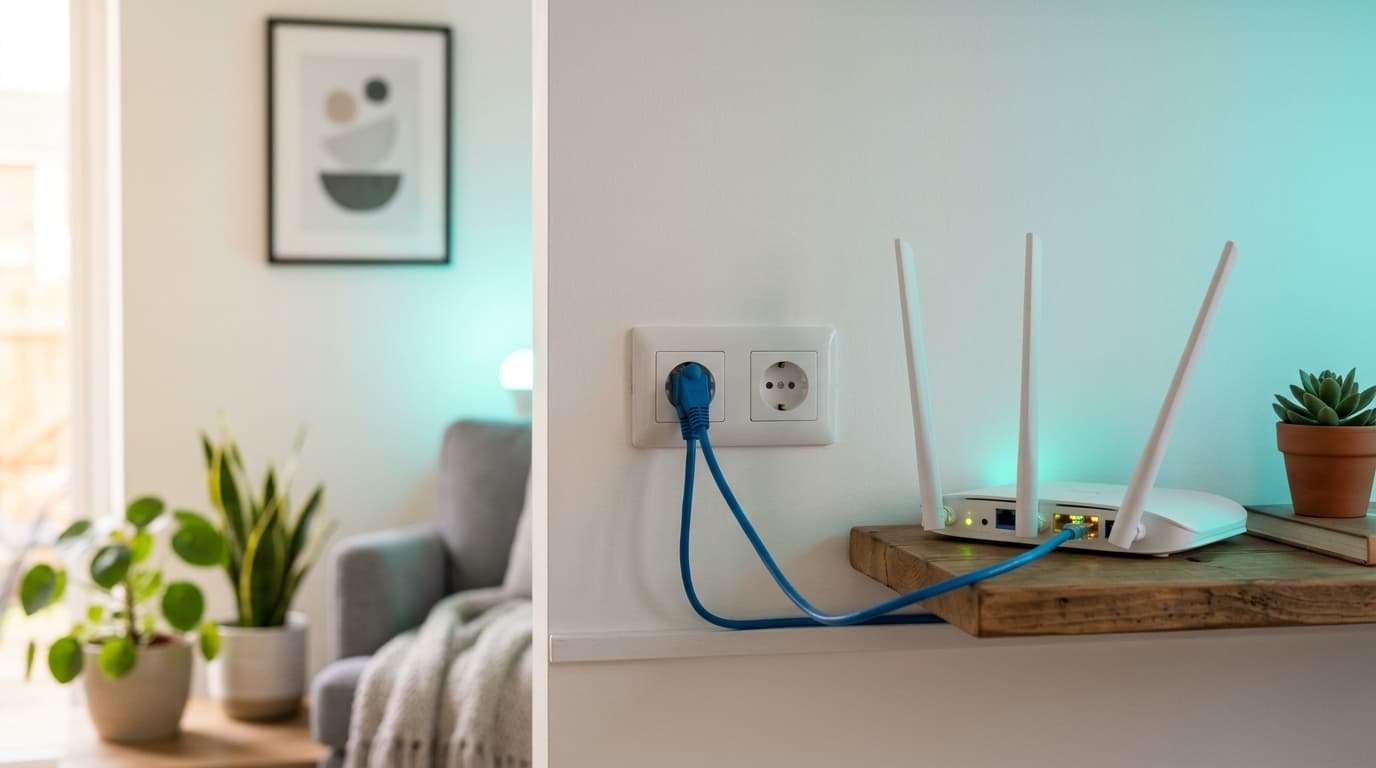
For a subscription up to 1 Gbit/s, a category 5e Ethernet cable is enough. Category 6 also covers 2.5 Gbit/s, and 6a is only worth it for a 10 Gbit/s port. In most Belgian homes, though, the cable is not what holds the speed back: the port on the box where it is plugged in is.
A cable's category measures the signal frequency it carries without distorting it, in megahertz. The higher it is, the more speed the cable holds over a long distance. It is printed on the sheath, and it is the first thing to read.
Cat 5e, 6 or 6a: what does the category change?
Little while the speed stays at 1 Gbit/s, and everything once the port reaches 10.
| Category | Frequency | 1 Gbit/s | 2.5 Gbit/s | 10 Gbit/s | Worth knowing |
|---|---|---|---|---|---|
| 5e | 100 MHz | 100 m | in principle, IEEE 802.3bz standard | no | Minimum set by Proximus for a home |
| 6 | 250 MHz | 100 m | yes | 55 m only | The default choice for a patch cord |
| 6a | 500 MHz | 100 m | yes | 100 m | Only useful if the box port reaches 10 Gbit/s |
| 7 and 8 | n/a | n/a | n/a | n/a | Nothing to gain behind a box |
Frequencies and distances: Wikipedia (Category 6 cable article, consulted 28 October 2026) for Cat 5e, 6 and 6a. 2.5 Gbit/s over Cat 5e follows the IEEE 802.3bz standard. Cat 7 and 8, designed for short links in IT racks, have no home use behind a box.
Keep the figure that surprises: in Cat 6, 10 Gbit/s stops at 55 metres. In a flat, nobody gets there. In a big house where the cable goes round the floor, you can.
Why the box port sets the ceiling before the cable
Because the cable adds nothing: it lets through. A subscription at 8.5 Gbit/s plugged into a 1 Gbit/s port never goes past 1 Gbit/s, whatever the cable category.
Ports vary from one box to another. According to CallMePower (1 September 2026), the Proximus Internet Box (own copper, fibre and mobile networks) has four 1 Gbit/s ports, and the Internet Box+ has three at 2.5 Gbit/s and one at 10 Gbit/s. At Telenet (own cable network in Flanders and Brussels), the F@ST3896LG-TN modem has three 1 Gbit/s ports and one at 2.5, while the 360° Fiberbox has a 10 Gbit/s port. For the Internet Box+, Proximus's manual does name a red "WAN 10G" port on the back.
| Subscription (network) | Advertised speed | On a 1 Gbit/s port | On a 2.5 Gbit/s port | On a 10 Gbit/s port |
|---|---|---|---|---|
| Proximus Mega Fiber (own fibre) | 500 Mbit/s, symmetric | nothing lost | nothing lost | nothing lost |
| Proximus Giga Fiber | 2.5 Gbit/s (press release of 29 June 2023) | 60% lost | nothing lost | nothing lost |
| Proximus Ultra Fiber | 8.5 Gbit/s | 88% lost | 71% lost | nothing lost, with a 6a cable |
| Telenet Turbo (own cable) | 2.5 Gbit/s | 60% lost | nothing lost | nothing lost |
Calculated 28 October 2026: port speed divided by advertised speed. According to Proximus's page for the option, the 8.5 Gbit/s of Ultra Fiber is only reachable with a wired device plugged directly into the Internet Box+. CallMePower gives 2 Gbit/s for Giga Fiber while Proximus's 2023 release says 2.5: I use the second, without being able to settle it.
A tip that costs nothing: on a box with unequal ports, plug the PC, the NAS or the console into the fastest port, and leave the TV on an ordinary one.
Should you replace the cable supplied with the box?
No, unless it is flat, old or marked Cat 5.
In its Internet Box+ installation guide, Proximus says to use the grey cable supplied with the fibre modem by preference, and always the cables supplied by the operator when replacing equipment. The test takes a minute: a wired speed test, then the same over Wi-Fi. If the cable does no better, either it is slow or the port is capping.
The cable in the wall matters more than the patch cord
You can swap a patch cord in thirty seconds, but not a cable buried in the wall. If you have RJ45 wall sockets, that is the one to look at first.
Since 1 November 2024, the network termination point is the wall socket, under a BIPT decision of 26 September 2023 (the Belgian telecom regulator, IBPT in French), relayed by La Libre. Everything plugged in after it, patch cord, box, router, is yours. Behind the socket, inside the partition, is another story.
Proximus's indoor installation guide (reference TGC-RES-INT-2021/06, 2021 edition, in French) says what a home wired to the operator's rules must contain:
- U/UTP cable with four pairs, category 5e at minimum, with sockets of the same category;
- at most 90 m between the connection point and each socket, and at most 5 m for patch cords;
- at least two RJ45 sockets per living room, as double sockets, next to the electrical sockets;
- no dedicated telephone socket: the phone connects to an RJ45 socket with a conversion cord.
Categories 6 and 6a are not mentioned. The consequence follows: a flat wired to Proximus's standard is in 5e, so borderline for 2.5 Gbit/s, and it stays that way.
On a Belgian DIY forum, a subscriber wiring his house in May 2021 got the same advice: the existing cable is "normally" Cat 5e, enough for gigabit, and rewiring is done in Cat 6, for around 60 euros per 300 m. Another warned that data cables are often mistreated during the pull. A cable tester, aiming for 1,000 Mbit/s, beats an act of faith.
My own view, which only commits me: if you are pulling cables through walls, pull 6a. The metre of cable weighs little against the cost of the work, and nobody reopens a partition to move up a category.
Which cable should you buy, and at what price?
Read the category on the sheath before looking at the brand. Four criteria are enough:
- the category, printed on the cable itself and not only on the packaging;
- the length kept tight, with one metre to spare: a 20 m cord to cross a living room adds weight but no speed;
- moulded plugs with a latch, which do not break at the third unplugging;
- a round cable rather than a flat one, since old flat cables are often Cat 5, capped at 100 Mbit/s according to CallMePower.
| Need | Product recorded | Price (28/10/2026) | Price per metre | Limit |
|---|---|---|---|---|
| Entry-level cord, box to TV | Q-Link Cat 6 U/UTP, 5 m, Gamma.be | €10.99 | €2.20 | Little-known brand, unshielded |
| Branded cord | UGREEN 20161 Cat 6 U/UTP, 3 m, MediaMarkt.be | €16.76 after a 10% discount | €5.59 | Page still showed July delivery dates: recheck the price |
| Many wired devices | TP-Link TL-SG105 switch, 5 ports 10/100/1000, LDLC.be | €29.95 | n/a | Only useful if the box has too few ports |
Prices shown on Belgian retailers' product pages on 28 October 2026. Belkin also sells snagless Cat 6 patch cords, manufacturer pages, whose price I did not record. None of these products was tested by us.
First calculation: the UGREEN cord costs 2.5 times more per metre than the Q-Link, for the same category. Second: plugging three fixed devices into a living room (TV, console, NAS), with three 5 m Q-Link cords and a switch, comes to €62.92. For comparison, Proximus's Wi-Fi Booster rented at €2.49 a month (recorded 28 August 2026) costs €59.76 over 24 months, for a single access point. The cable wins as soon as the devices rarely move.
When you should buy nothing
Often. If your subscription runs at 1 Gbit/s or less, and the cable supplied with the box says Cat 5e or Cat 6, spend nothing: the ceiling is not there. Spend nothing either if your Wi-Fi speed is already close to the wired one: the problem would then lie with the line, and our article on real versus advertised speed explains why two neighbours do not get the same.
The mistakes that make you buy for nothing
- Buying Cat 8 "to be safe" behind a box with 1 Gbit/s ports.
- Thinking a new cable fixes slow Wi-Fi: the cable only changes the wired link.
- Plugging the computer into a USB-Ethernet adapter limited to 100 Mbit/s or 1 Gbit/s.
- Taking a cord longer than 5 m out of habit, when Proximus's guide sets that length as the cap for a patch cord.
- Picking the wrong port on a box with unequal ports.
Sources: BIPT/IBPT (decision of 26 September 2023), La Libre via Belga (11 October 2023), Wikipedia (Category 6 cable), Proximus (press release of 29 June 2023, Ultra Fiber option page, Internet Box+ manual, indoor installation guide), CallMePower (article of 1 September 2026), Bricozone forum (May 2021), Gamma.be, MediaMarkt.be and LDLC.be product pages (recorded 28 October 2026).
Frequently asked questions
Maxime suit le marché télécom belge depuis dix ans. Il épluche les grilles tarifaires de Proximus, Orange, Telenet, VOO, BASE et des MVNO pour traduire le jargon (VDSL, câble, Easy Switch, 4play) en conseils utilisables.